

This is really simple.
We have chosen OpenSSH as the best software for the job. Begin by opening a Terminal Window on the server. Enter the following command to install OpenSHH:
sudo apt-get install openssh-server
Done!
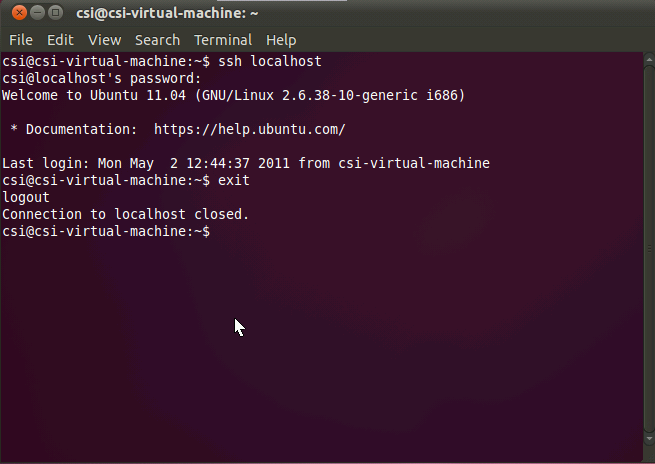
To test that it’s working, you can try to ssh into the server:
ssh localhost
You will be prompted for a password.
Then exit the SSH session by typing:
exit
See the screenshot below:
Now, if you want to access the server remotely, you will have to set up port forwarding on your router to get outside connectivity to the SSH server. We won’t discuss that here but you must have a fixed IP address on the Ubuntu server and then configure your router to forward incoming SSH requests to the fixed IP.
If you would like to help support the continued development of independent networking, broadband, Wi-Fi, VoIP, and packet analysis content, please consider joining our Patreon community where you will gain access to exclusive technical resources, downloadable labs and PCAPs, bonus course content, troubleshooting guides, and additional member-only material. Comments and technical discussion are always welcomed at our Patreon community or on our Discord server. You can also support our work by simply buying us a coffee — every contribution helps us continue creating practical, real-world network science education for professionals and enthusiasts alike.