

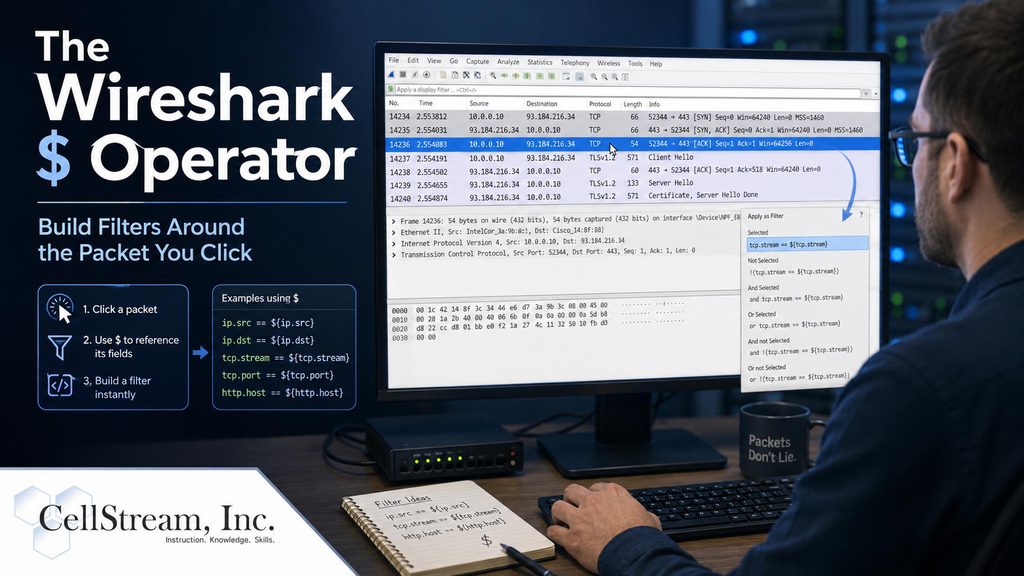
Most Wireshark display filters use values that you type manually.
For example:
ip.addr == 192.168.1.100
or:
tcp.stream == 14
But Wireshark has a lesser-known capability that lets you build a filter using values from the packet you currently have selected.
That capability is called a field reference, and it uses the $ character.
For example:
tcp.stream == $tcp.stream
Instead of entering a TCP stream number yourself, Wireshark takes the stream number directly from the selected packet.
Select another TCP packet and the same filter can now reference that packet’s stream.
That alone is convenient—but field references can do much more.
You can use the selected packet’s:
- IP address
- MAC address
- VLAN ID
- TCP or UDP stream number
- frame number
- timestamp
- DNS answer
This means an interesting packet can become the starting point for your next troubleshooting step.
For example:
ip.addr == $ip.src
can show traffic involving the source address of the selected packet.
Or:
frame.time_relative >= $frame.time_relative - 30
can show what happened during the 30 seconds leading up to the packet you selected.
You can even use information from one protocol to investigate another. A DNS response, for example, can provide an IP address that you then use to search for subsequent TCP, TLS, or HTTP traffic.
Instead of always asking:
“What value should I put in my display filter?”
you can start asking:
“I found an interesting packet—what else relates to it?”
That’s a surprisingly powerful change in the way you can investigate packet captures. I have updated a bunch of the Wireshark Profiles in the repository to add these types of filters where they help me, so grab those updates.
In my full Patreon tutorial, I walk through several practical $ field-reference examples, including TCP streams, IP and MAC addresses, VLANs, time windows, packet ranges, DNS correlation, and some useful filter buttons you can add to your own Wireshark profiles.
Continue with the full Wireshark $ Operator tutorial on Patreon
If you would like to help support the continued development of independent networking, broadband, Wi-Fi, VoIP, and packet analysis content, please consider joining our Patreon community where you will gain access to exclusive technical resources, downloadable labs and PCAPs, bonus course content, troubleshooting guides, and additional member-only material. Comments and technical discussion are always welcomed at our Patreon community or on our Discord server. You can also support our work by simply buying us a coffee — every contribution helps us continue creating practical, real-world network science education for professionals and enthusiasts alike.